Codex Was the Operator Layer
In this session, Codex was not only used to write copy. It acted as the operational layer between the website owner, the local codebase, the deployed production site, browser screenshots, terminal checks, and Cloudflare Pages deployment tooling.
The human role was direction and approval: define the business goal, approve live testing boundaries, approve remediation, and confirm that the final result matched the intended offer. Codex's role was to inspect, test, edit, deploy, verify, and document the workflow.
Primary Operating Prompt
Act as the operations lead for this website session. Use the repo, terminal, browser screenshots, deployment tooling, and production checks to run the workflow end to end. Do not make destructive changes. Separate audit from remediation. Use synthetic test data for forms. Stop before any action that creates a real appointment or sends sensitive data unless approved. Document every key step with screenshots and a final verification summary.This prompt works because it gives Codex permission to operate while also setting boundaries around destructive changes, real submissions, appointments, and reporting.
What Codex Needed
To reproduce this workflow, Codex needs controlled access to the same operational surfaces a technical operator would use.
| Need | Why It Matters |
|---|---|
| Local repository access | Codex must inspect and modify the files that generate the site. |
| Deployment credentials | For this site, Codex used Wrangler to publish to Cloudflare Pages. |
| Browser screenshot capability | Visual evidence catches layout, CTA, and mobile issues that raw HTML checks miss. |
| Production domain access | The final check must prove the public site is serving the new version. |
| Clear permission boundaries | Live forms, email delivery, and calendar tools need explicit test rules. |
| Synthetic smoke-test data | Testing should not pollute real lead data with ambiguous submissions. |
The Operating Loop
The useful pattern was a loop: inspect the live behavior, compare it to the code, make a scoped fix, test locally, deploy, then verify production. Codex kept the loop small enough that each fix could be tied to a specific finding.
| Phase | Codex Role |
|---|---|
| Audit | Open pages, click paths, collect status codes, capture screenshots, and identify broken behavior. |
| Remediation | Edit the existing static files, functions, headers, metadata, and CTAs without changing the design system. |
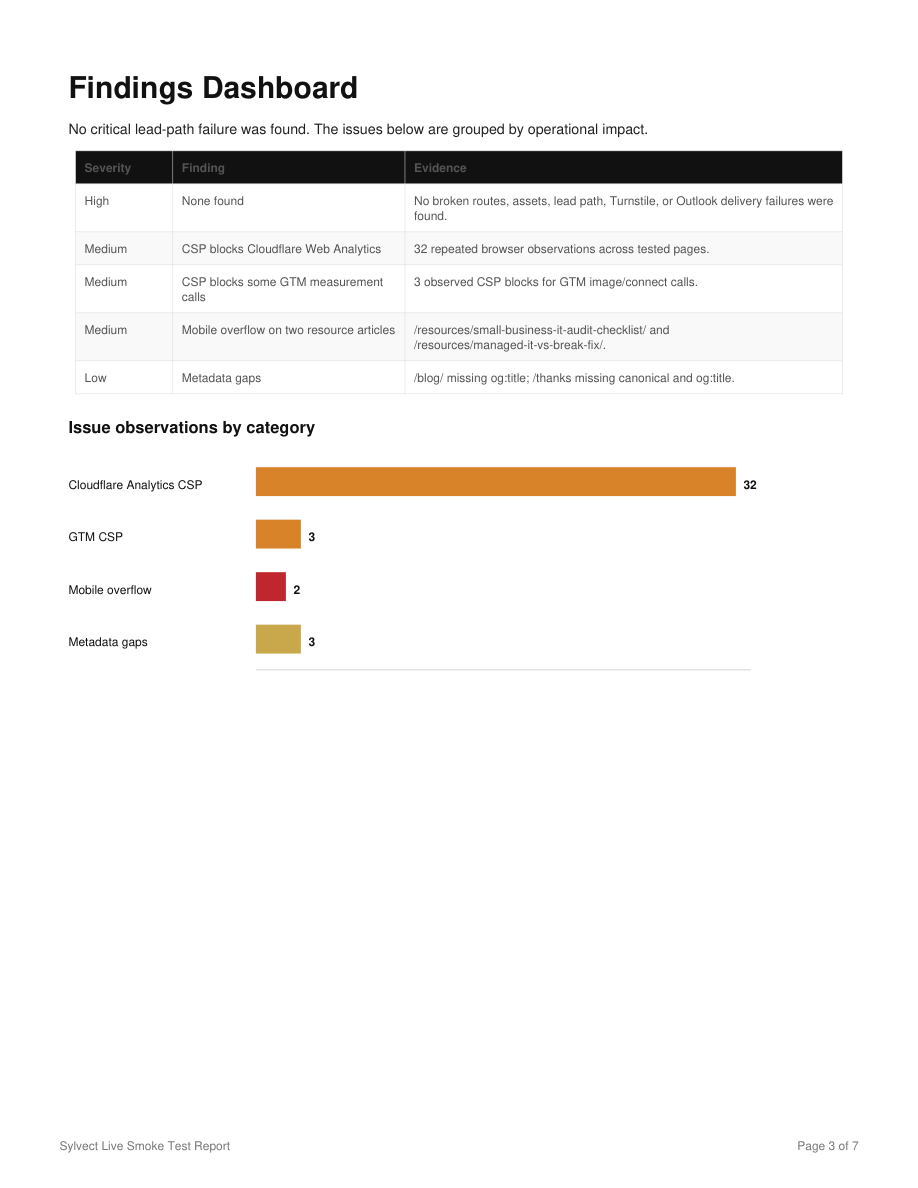
| Verification | Run local checks, browser screenshots, production curls, sitemap checks, and post-deploy visual checks. |
| Documentation | Turn the session into a followable resource with screenshots, prompts, and a reproducible checklist. |
Testing the Business Path
A website operations test is not complete until it follows the lead path. Codex inspected the contact form, submission flow, thank-you page, Calendly path, and visitor-facing CTAs. When live submissions were involved, the test used explicit smoke-test data and approval boundaries.
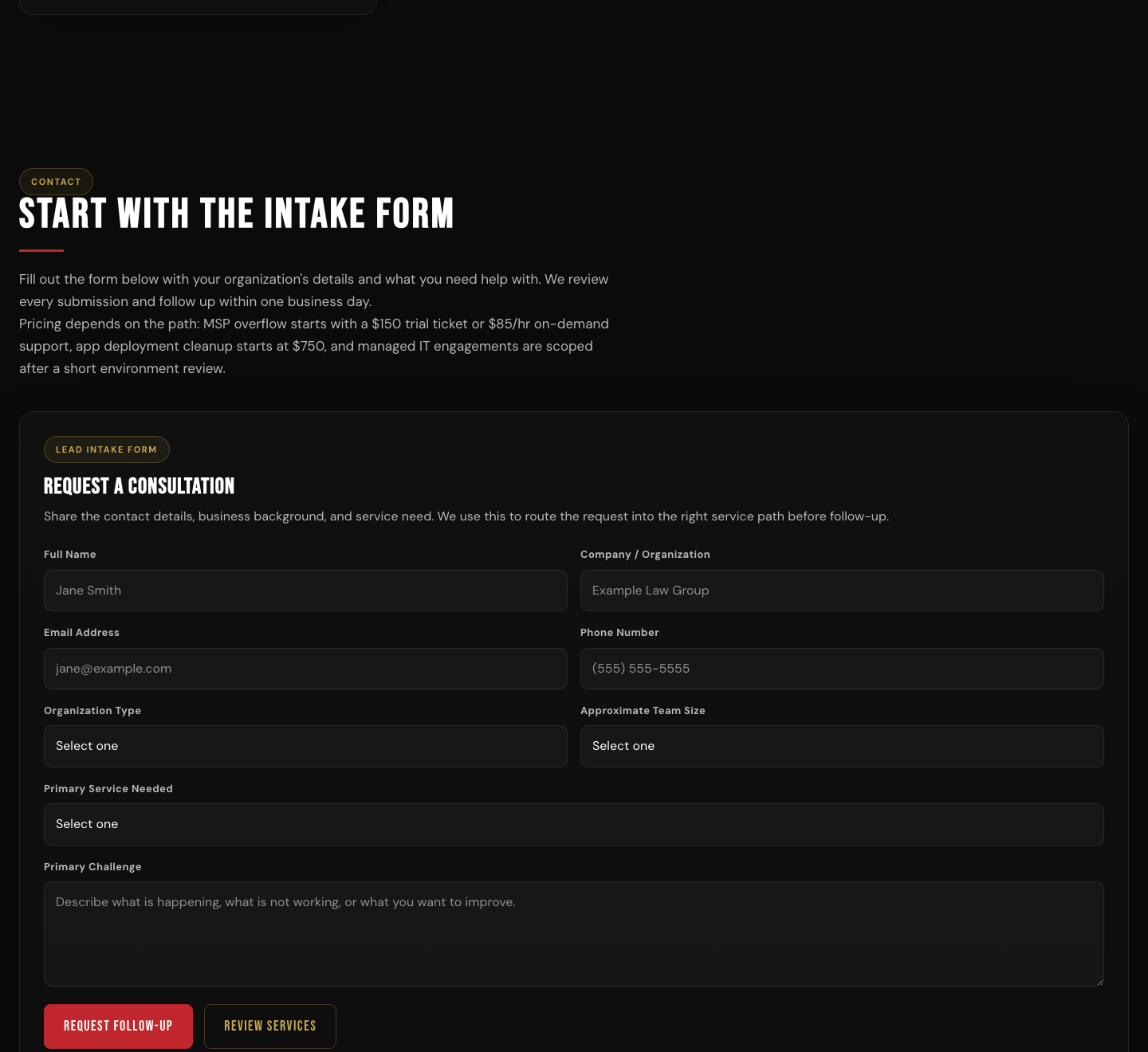
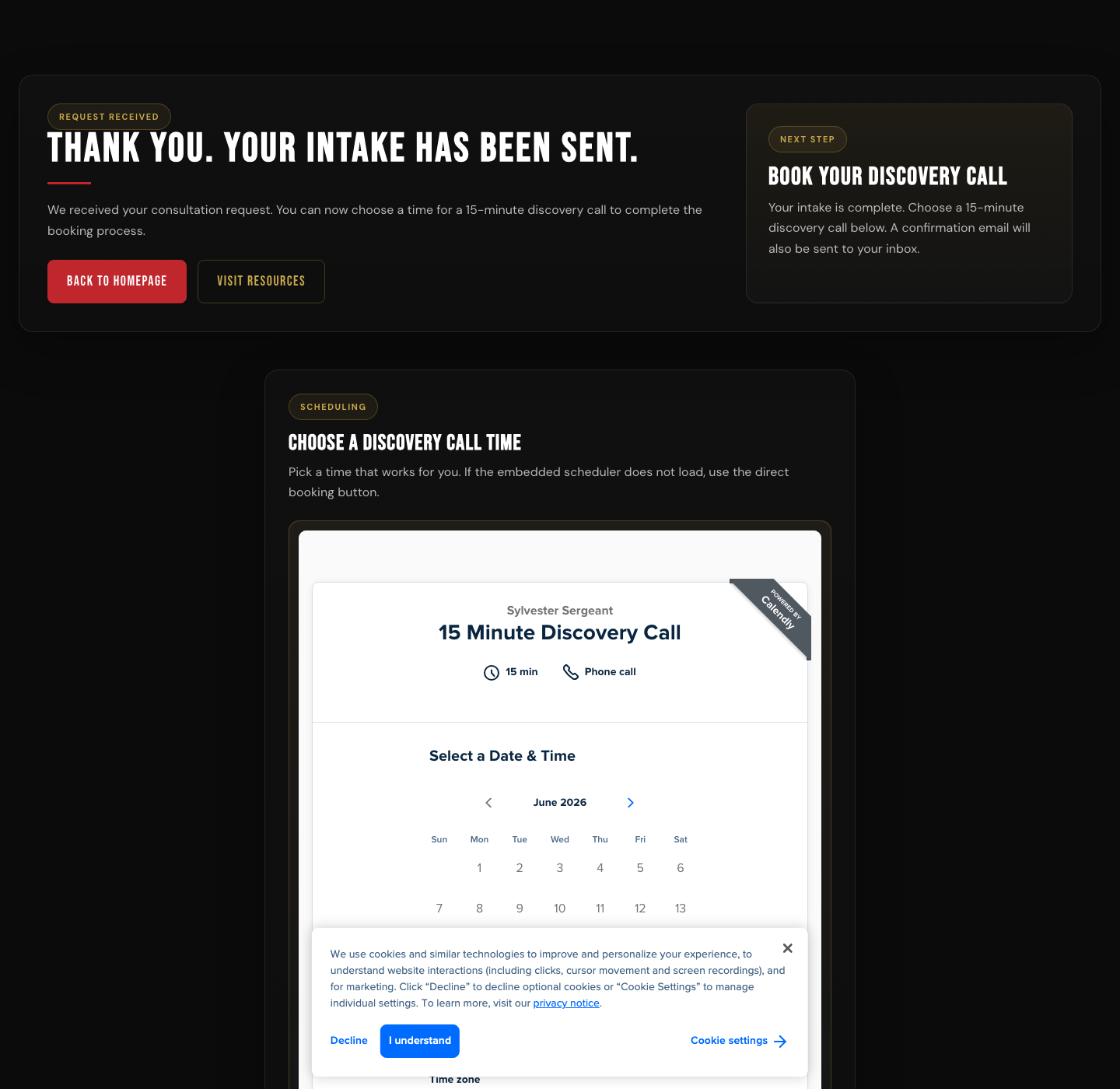
Test the website as a potential lead. Fill the form only with approved synthetic data, verify the redirect, verify owner notification delivery, verify the customer confirmation path, and check the scheduler. Stop before booking a real calendar appointment unless I approve that exact action.Using the Terminal as Evidence
Codex used terminal commands for fast, repeatable checks: find files, inspect source, confirm links, check status codes, run local servers, package a clean deploy bundle, and deploy through Wrangler. The point was not to replace browser testing. The point was to make each browser observation reproducible.
rg -n "Calendly|Turnstile|resources|sitemap" .
curl -sS -o /tmp/home.html -w "home %{http_code} %{time_total}\n" https://example.com/
python3 -m http.server 8123
npx wrangler pages deploy /tmp/site-deploy --project-name=PROJECT --branch=main
In practice, Codex should prefer narrow commands, avoid destructive git operations, and report the exact verification result instead of only saying a check was run.
Screenshots Made the Work Auditable
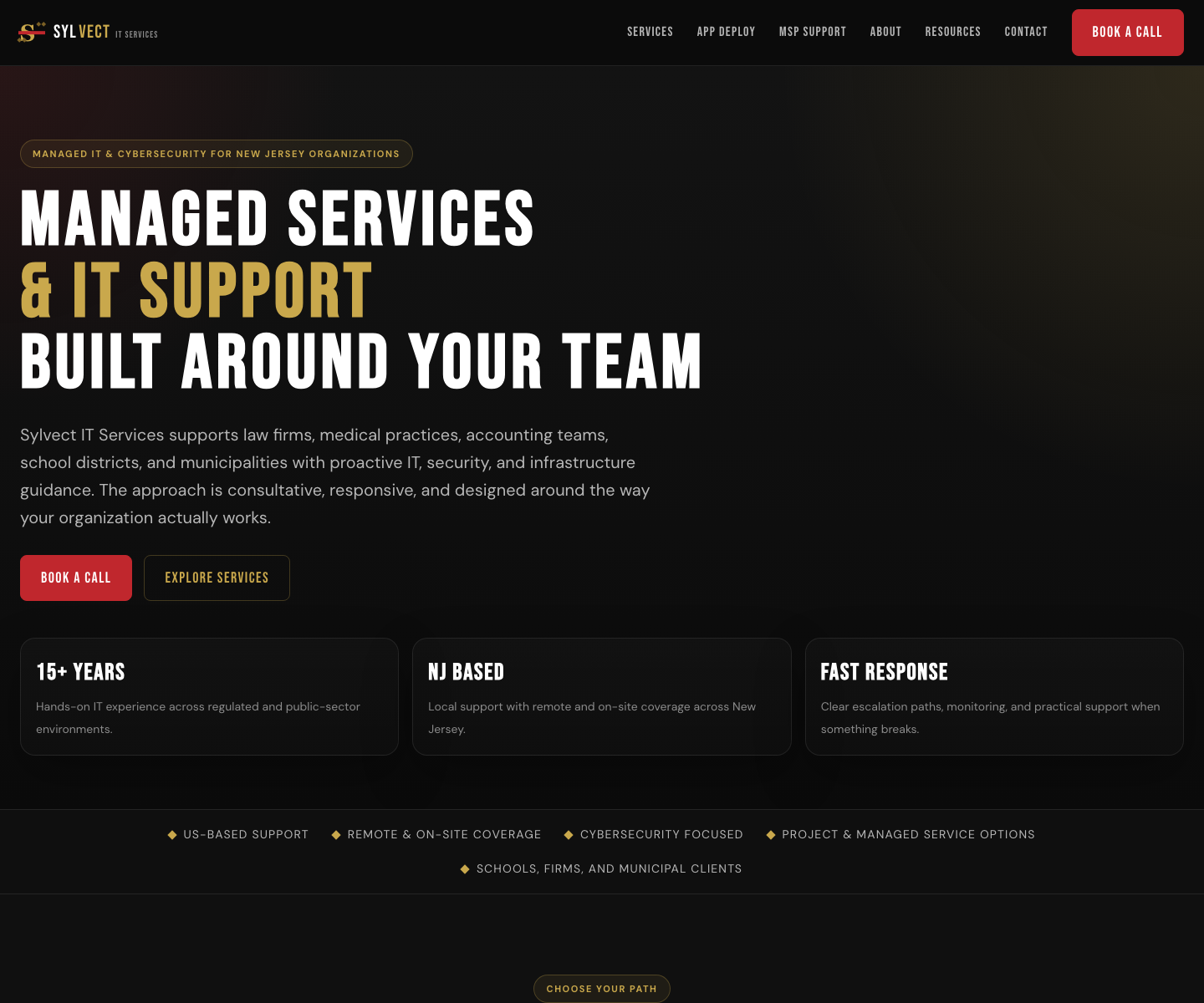
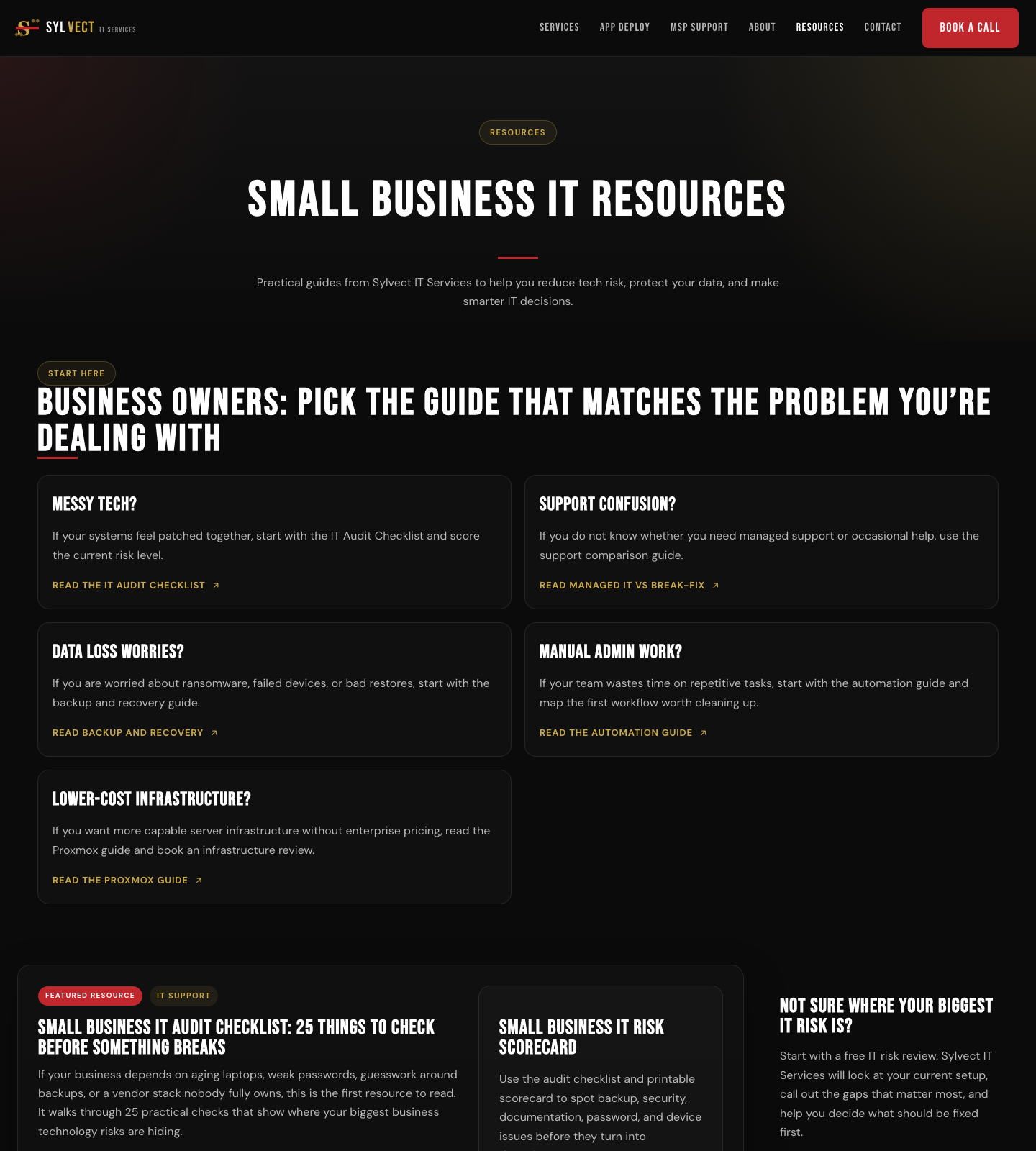
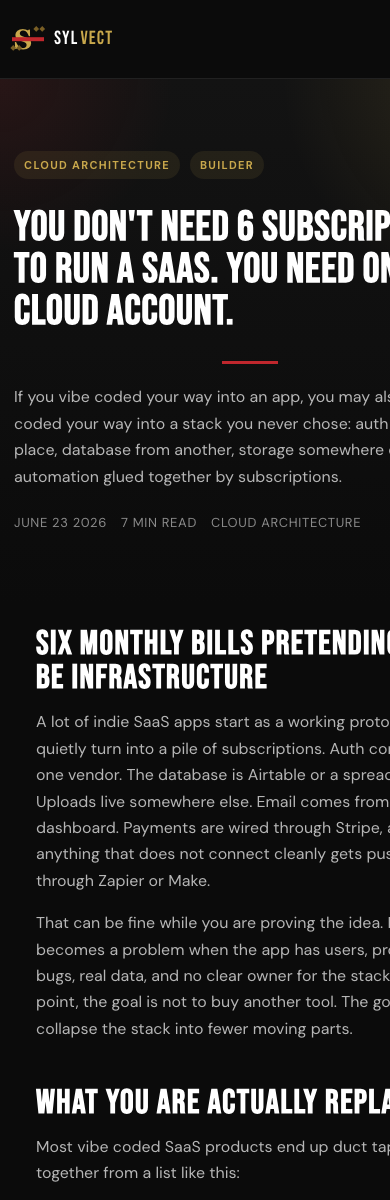
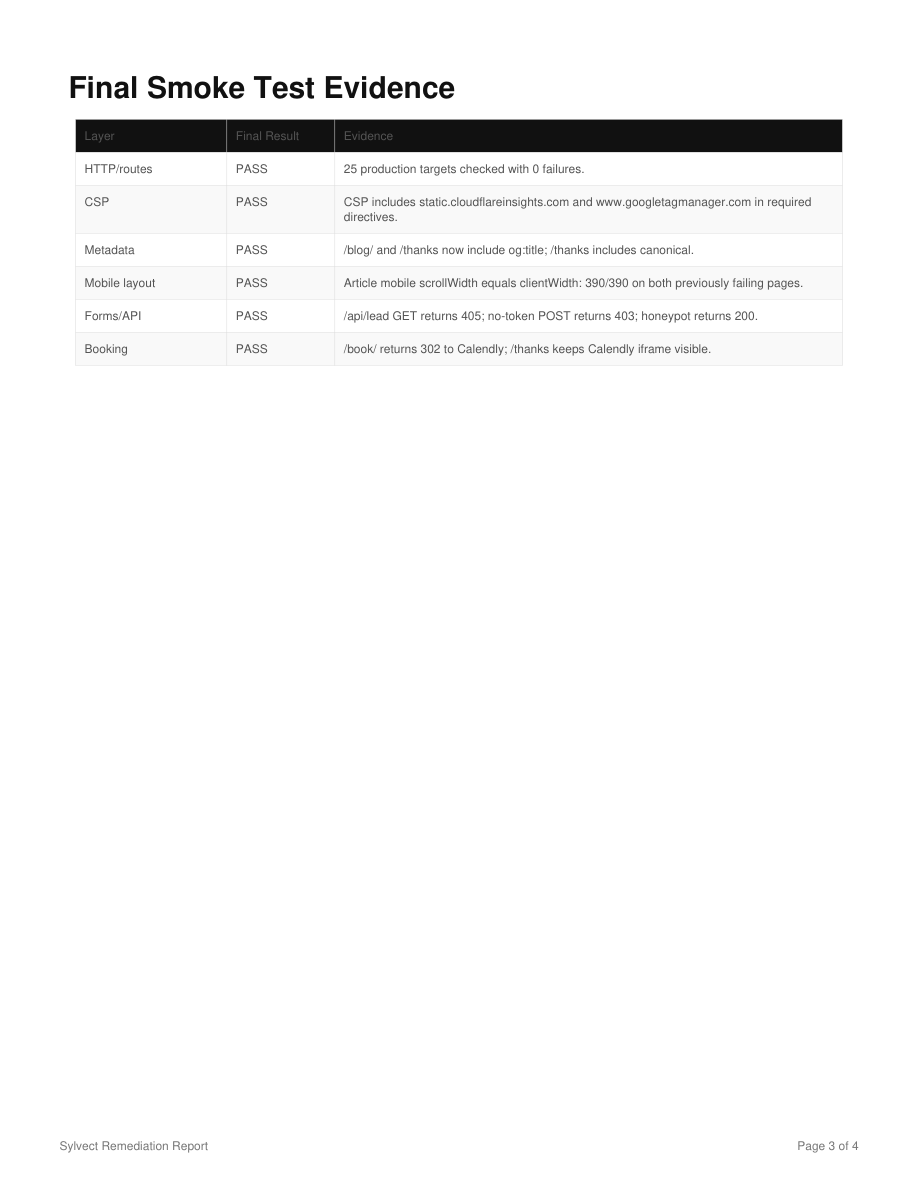
Screenshots turned the session from a vague fix list into a followable record. Codex captured the production state, the broken or mismatched areas, the remediated pages, mobile layouts, and final verification evidence.
Deployment Was Part of the Test
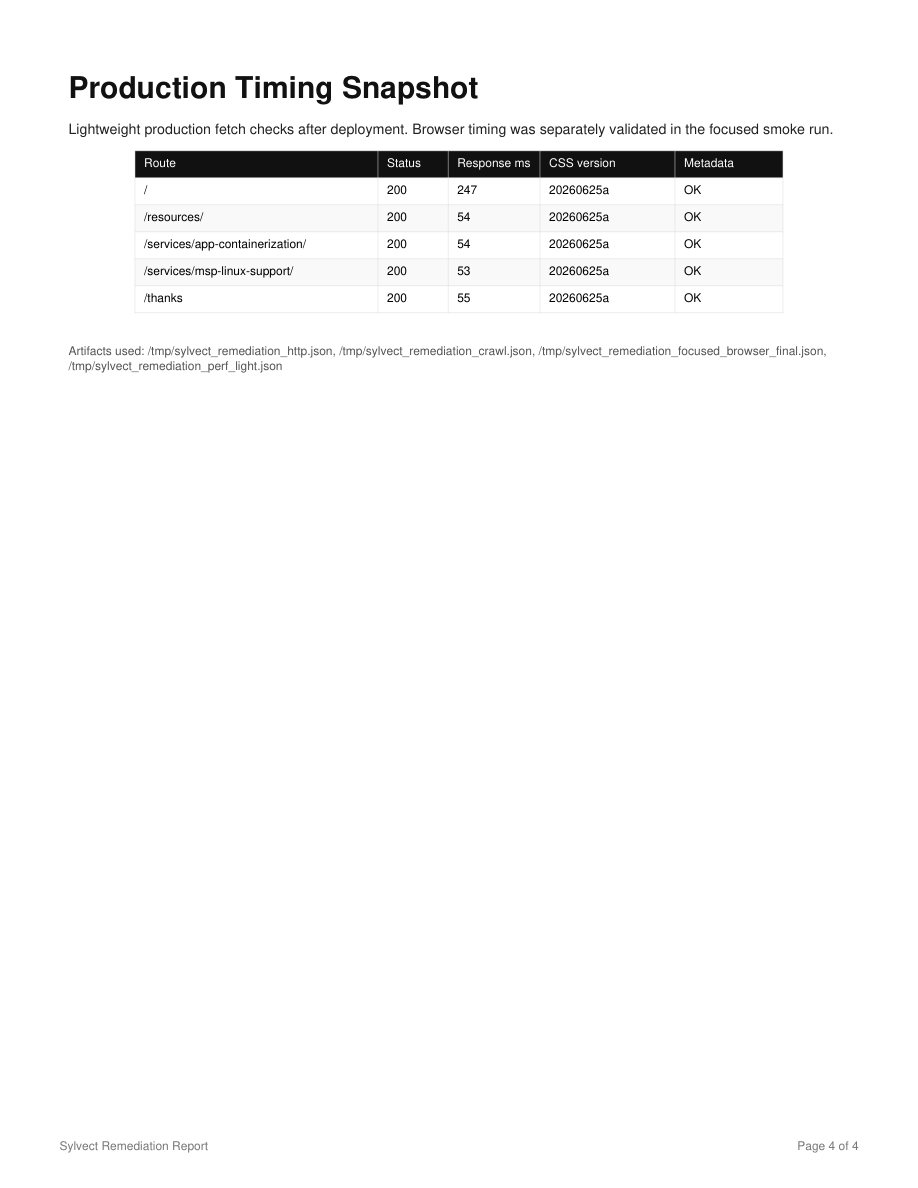
The work was not finished when local files looked right. Codex created a deploy bundle, excluded local artifacts, deployed through Cloudflare Pages, and then checked the production domain for the new page, CSS, sitemap entry, metadata, and images.
Deploy the approved changes to the production Cloudflare Pages site. Build a clean deployment directory, exclude local reports and source-only notes, deploy to the main branch, then verify the production URL, sitemap, CSS, images, Open Graph metadata, and key visitor paths.What Someone Else Should Prepare
Another owner or operator can repeat this process if they prepare the website access and the rules of engagement before asking Codex to operate.
- Give Codex the local website repository.
- Confirm the production domain and hosting provider.
- Provide deployment credentials or approve deployment commands.
- Identify all business-critical paths: forms, booking, payments, downloads, login, or search.
- Create synthetic test lead data.
- State whether Codex may submit forms.
- State whether Codex may create real appointments or only stop at the scheduler.
- Provide access to any test inbox needed for notification checks.
- List third-party tools: Calendly, analytics, Turnstile, CRM, email provider, or automation platform.
- Define what counts as an error before remediation begins.
- Ask for screenshots before and after fixes.
- Ask for a final production verification summary.
Guardrails That Kept It Controlled
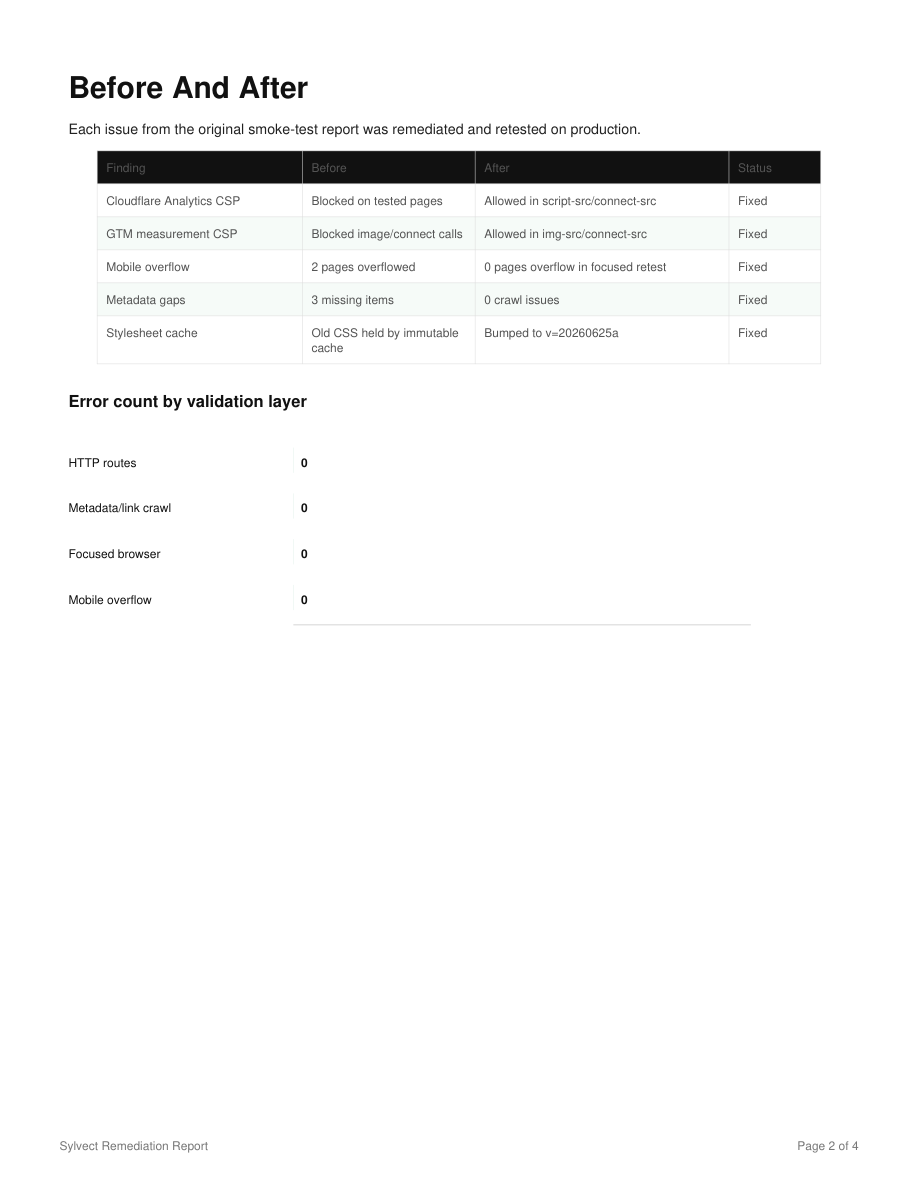
Codex is most useful operationally when the rules are explicit. The important guardrails were: no destructive repository actions, no real appointment booking without approval, no ambiguous live lead submissions, no design-system rewrite, no changes to unrelated business logic, and a production retest after every deploy.
Reusable Codex Prompt
I want you to operate as the website QA and deployment engineer. First audit the live site without changing files. Test navigation, forms, booking, email notifications, resources, metadata, sitemap, robots, security headers, desktop layout, and mobile layout. Use screenshots and terminal checks as evidence. Then wait for approval before remediation. After approval, make scoped fixes in the existing codebase, run local checks, deploy through the existing hosting workflow, and verify production until there are no active errors in the tested scope. Use synthetic data and do not create real appointments or destructive changes without explicit approval.The Operational Takeaway
Codex worked because it connected the parts that usually stay separate: source code, browser behavior, deployment tooling, screenshots, and business-process verification. The result was not just a patched website. It was an auditable operating record showing what was tested, what changed, what deployed, and what was verified afterward.
Want a Codex-Driven Website Operations Pass?
Sylvect can use this same workflow to audit a live website funnel, document findings, remediate approved issues, deploy safely, and leave behind a repeatable operations record.